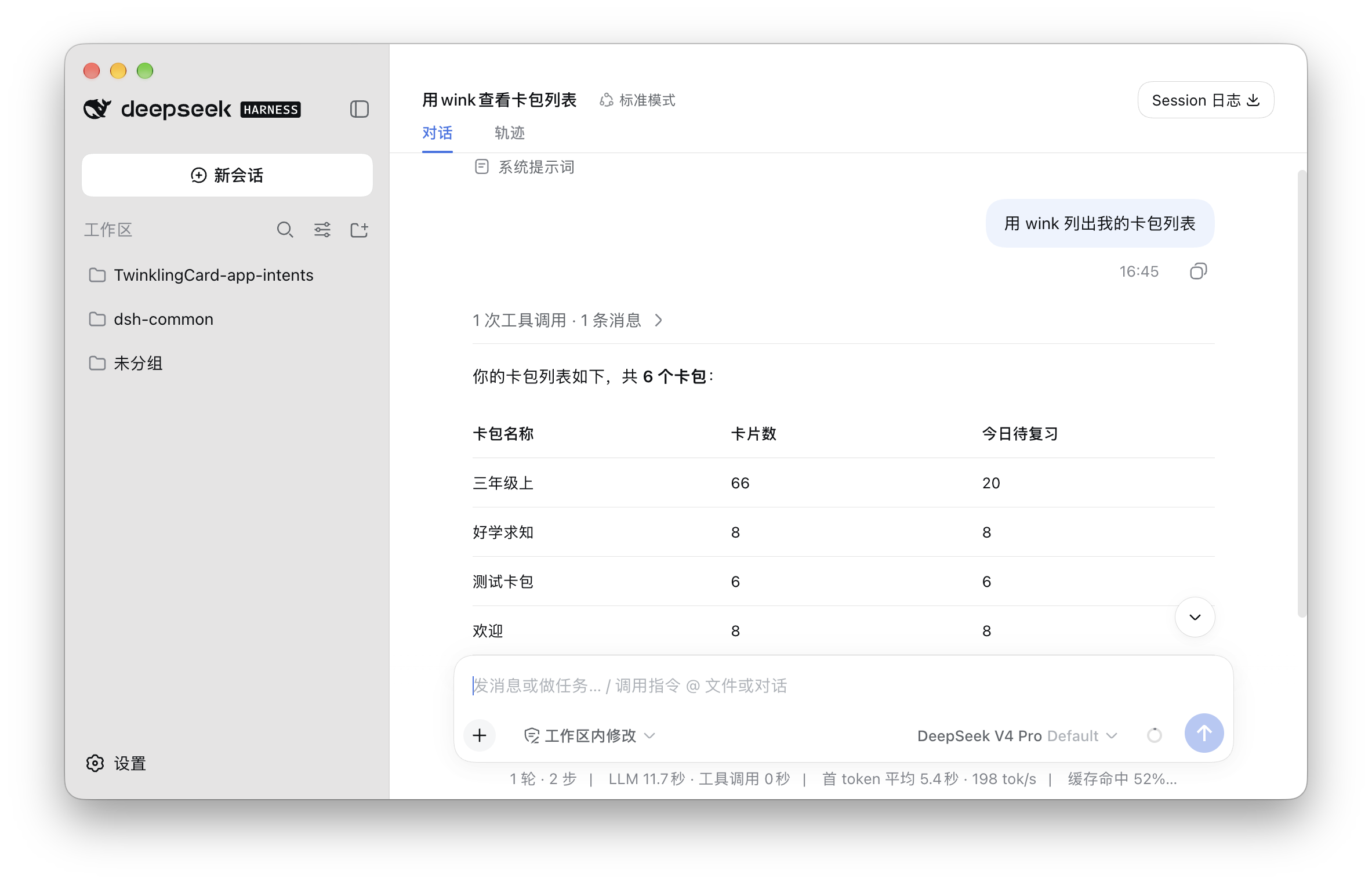
 WinkNotesHelp
Add WinkNotes MCP to DeepSeek Harness
Follow the steps below to connect WinkNotes to DeepSeek Harness.
Add manually
Open ~/.dsh/profiles/desktop/cordis.patch.yml. If the file is missing, create it at that path.
Then write
- insert:
    - id: mcp-wink
      name: '@deepseek-ai/dsh-mcp-client'
      config:
        serverName: wink
        transport: stdio
        command: /Applications/TwinklingCard.app/Contents/MacOS/wink-mcp
Save the file and quit.
⚠️ Note: quit DeepSeek Harness and reopen it.
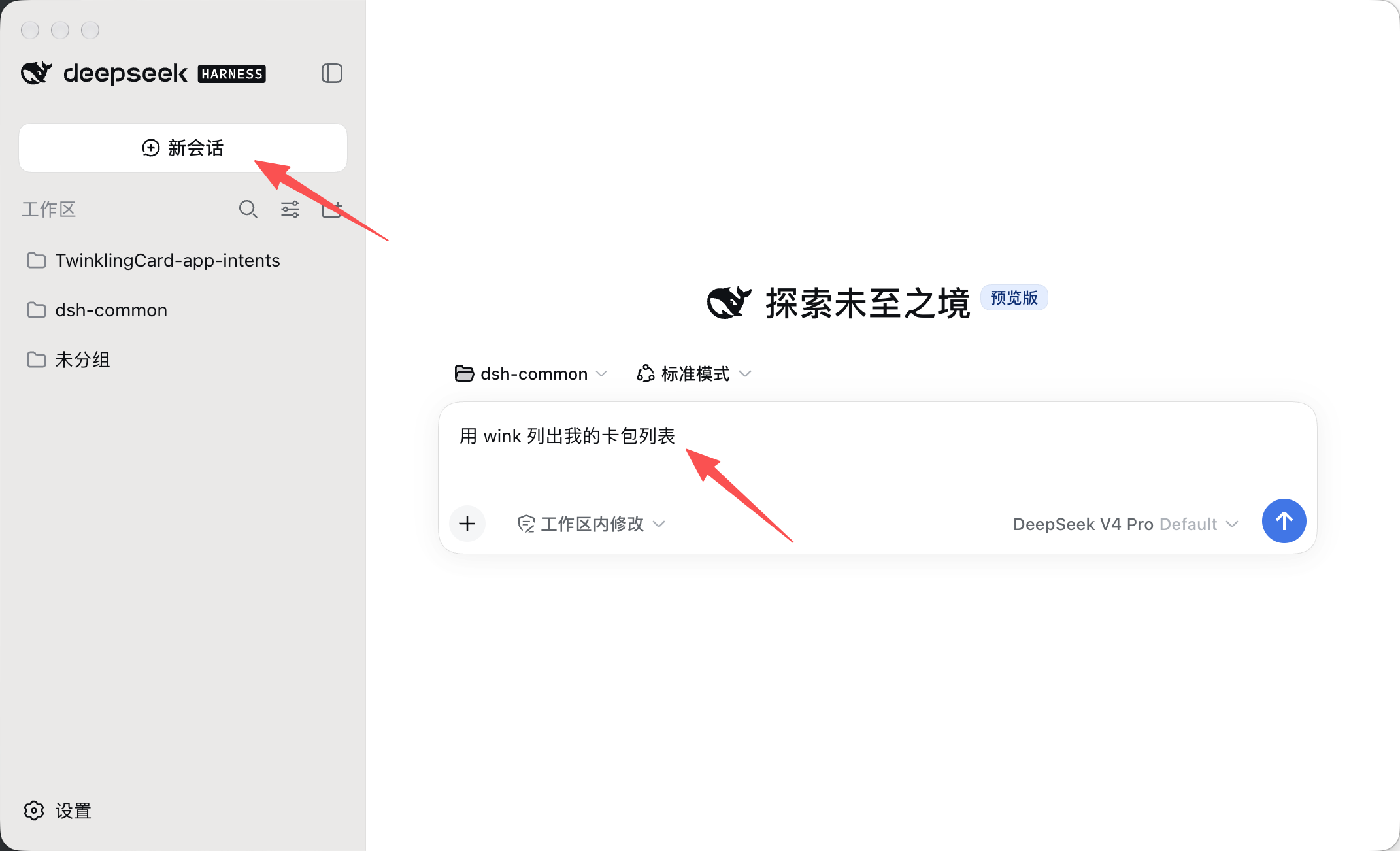
New task
Start the first prompt with “using wink to …”. Once the session has picked up wink, you can leave it out.