AI × WinkNotes
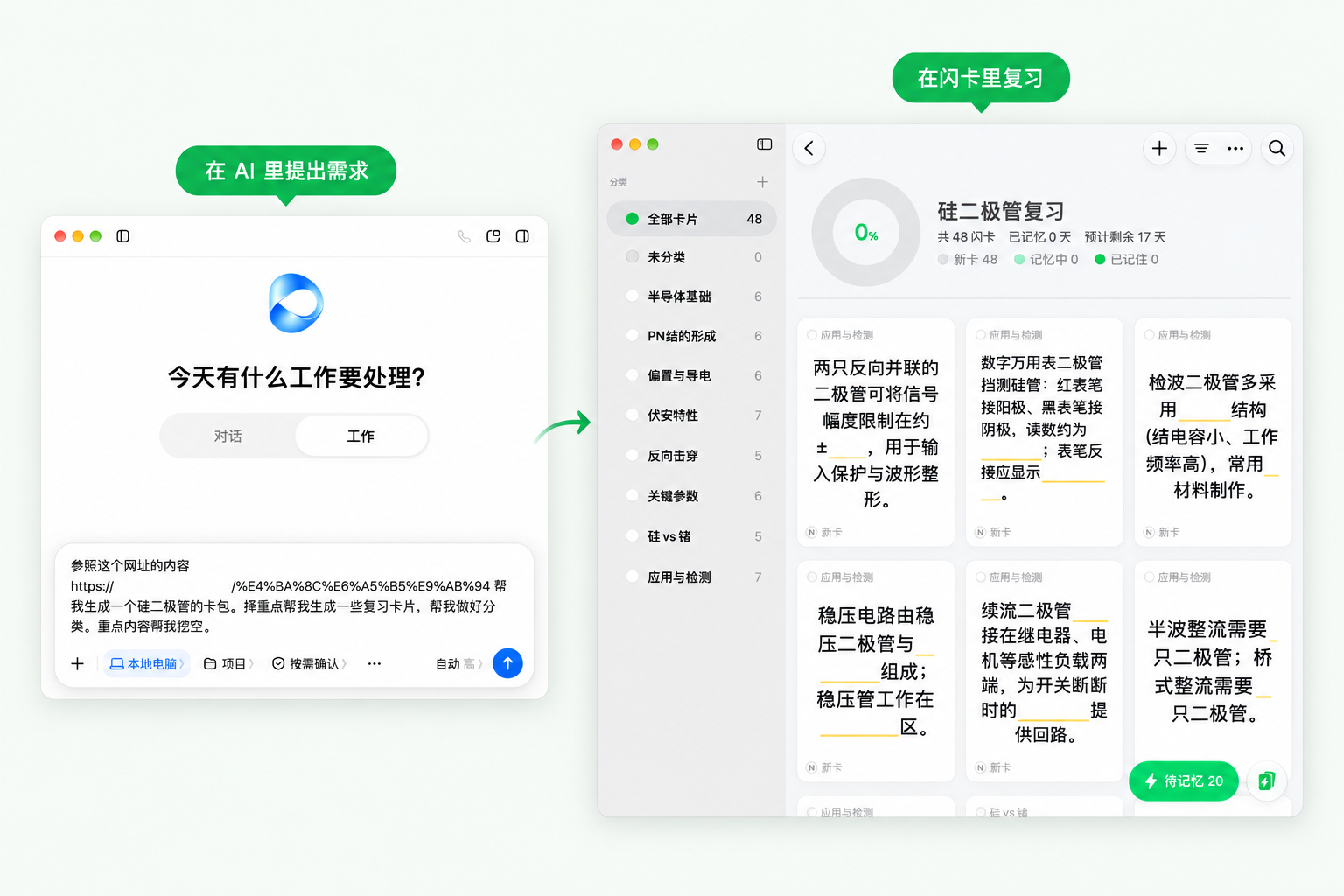
Use an AI assistant to make cards, manage them, and study
Doubao, WorkBuddy, ZCode, Claude, and Codex all connect. See the details
01 / AI with WinkNotes
AI + WinkNotes, more from the same notes
On Mac, connecting is free forever
Connect Doubao, Claude, and others
to make cards, quiz you, and tidy notes.
Make cardsTurn notes into cards
Using WinkNotes, turn the plant-cell notes below into 5 Q&A cards, one idea per card. Show me the cards first, then save them to the Biology deck after I confirm.
QuizAsk and explain from your notes
Using WinkNotes, pick three cards due today and quiz me one by one. Wait for my answer before you reveal it, explain from the original card, and ask me before you record the result.
TidyFind notes, organize tags and decks
Using WinkNotes, look at untagged cards in the Biology deck and suggest a few topic tags. Show me the plan first, then add the tags after I confirm.
Open WinkNotes on your Mac first.
02 / Cards from screenshots and images
One image becomes a card.
Limited free trialThen uses credits
It pulls out a title and key points. The original image stays on the back.
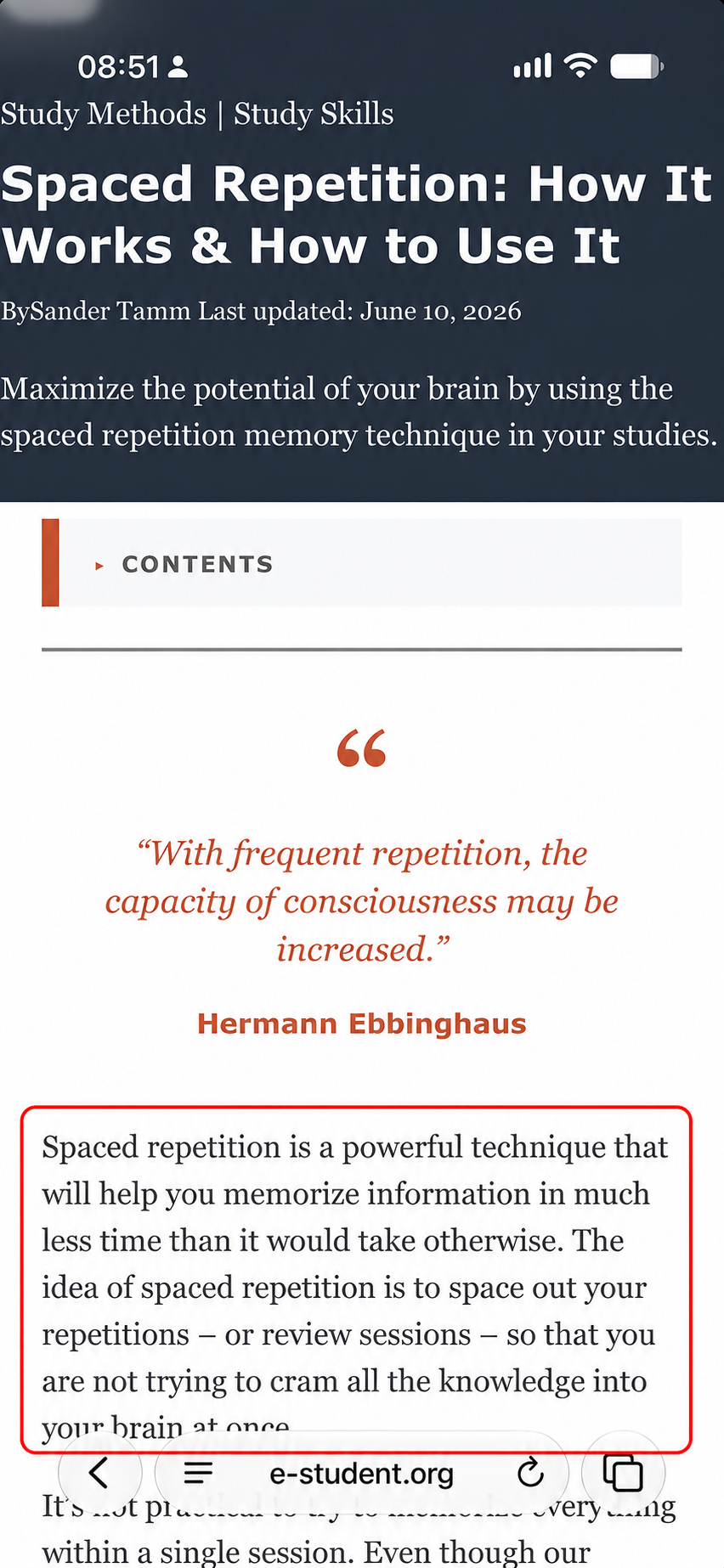
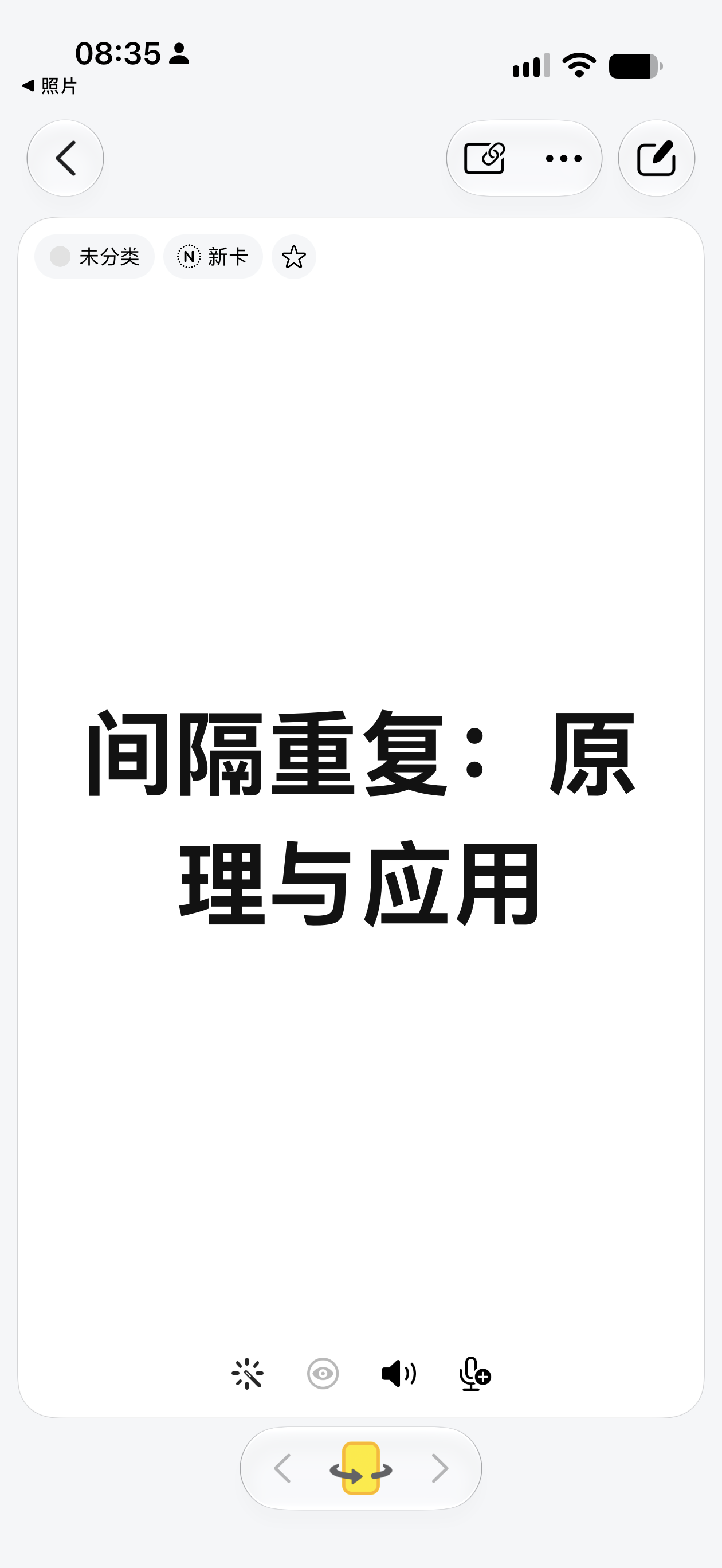
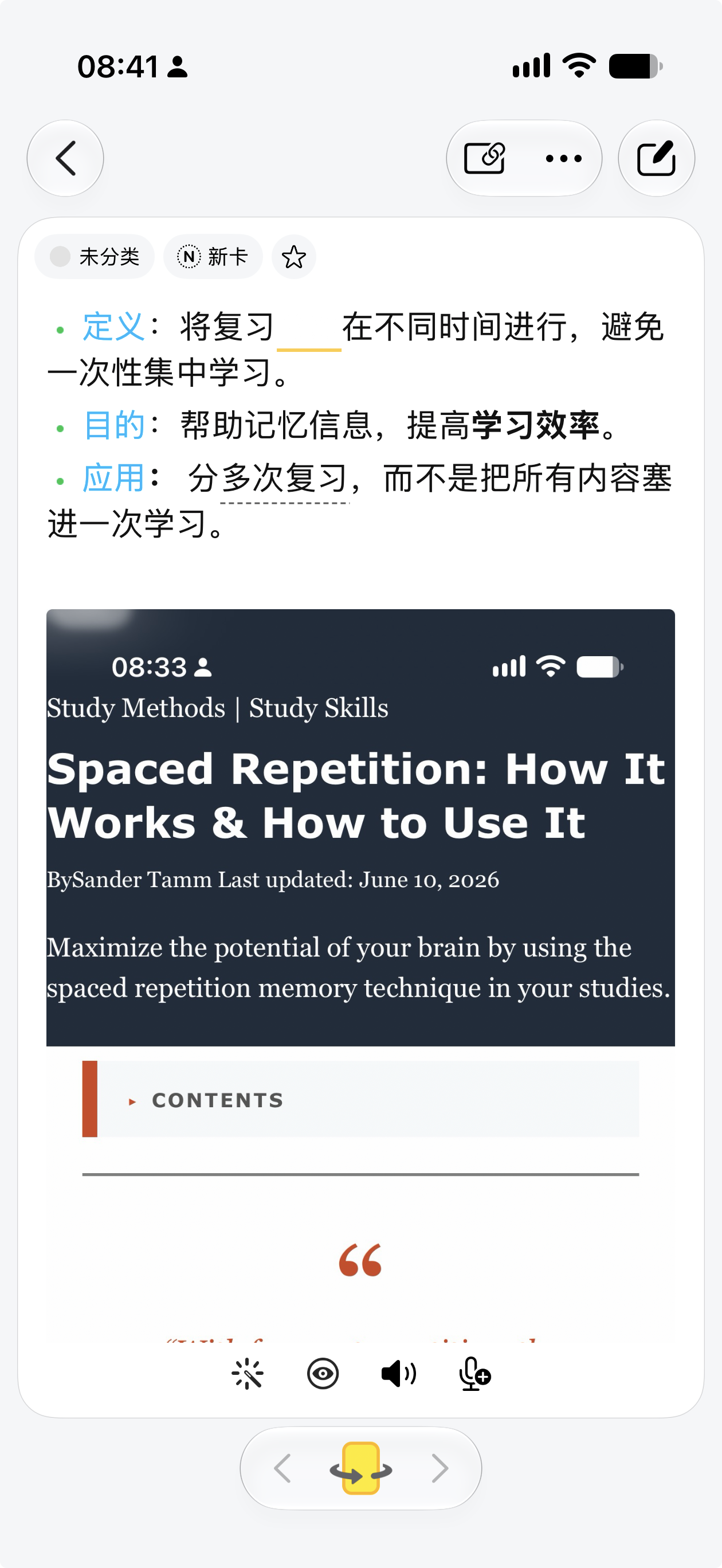
The example circle was redrawn; the card text was edited by hand. Tap an image to enlarge it.Swipe sideways to see the rest.
Hold the Action Button to turn this screen into a card.
iPhone with an Action Button · iOS 26 or later
Setup and demo
- Add the “截图制卡” shortcut.
- Choose it in Settings → Action Button.
- Open a screen you can capture, then hold the button to make a card.
WinkNotes may open while generating. Check the content before you save.
Action Button guideSqueeze the barrel to keep what you are reading.
Apple Pencil Pro · compatible iPad · iPadOS 26 or later
Setup and demo
- Add the “截图制卡” shortcut.
- Open Settings → Apple Pencil → Squeeze.
- Choose “截图制卡”, then squeeze the barrel to start.
WinkNotes may open while generating. Check the content before you save.
Apple Pencil Pro guideYou can also generate a deck first
AI makes it. You import it into WinkNotes.
Have AI use a Skill to generate a .wink file, then open it on iPhone, iPad, or Mac. Free forever.
Price and what you should know
What stays free, and what uses credits later?
MCP setup and importing an AI-made deck stay free forever. The external AI service bills on its own. Built-in screenshot and image-share AI cards are on a limited free trial, then they use credits. Check remaining uses in the app.
Are uploaded images kept?
We do not cache or keep user data uploaded while making a card. The image is sent to the language model only for this generation. The finished card and original image are saved in your own WinkNotes library.
What should I know before connecting an AI assistant?
MCP is how AI talks to WinkNotes. Keep WinkNotes for Mac running. AI can read, create, and edit cards, tidy tags and decks, and record reviews. It cannot delete cards. What it reads is sent to the AI you chose. Image cloze provides the unmasked original. See the setup guides