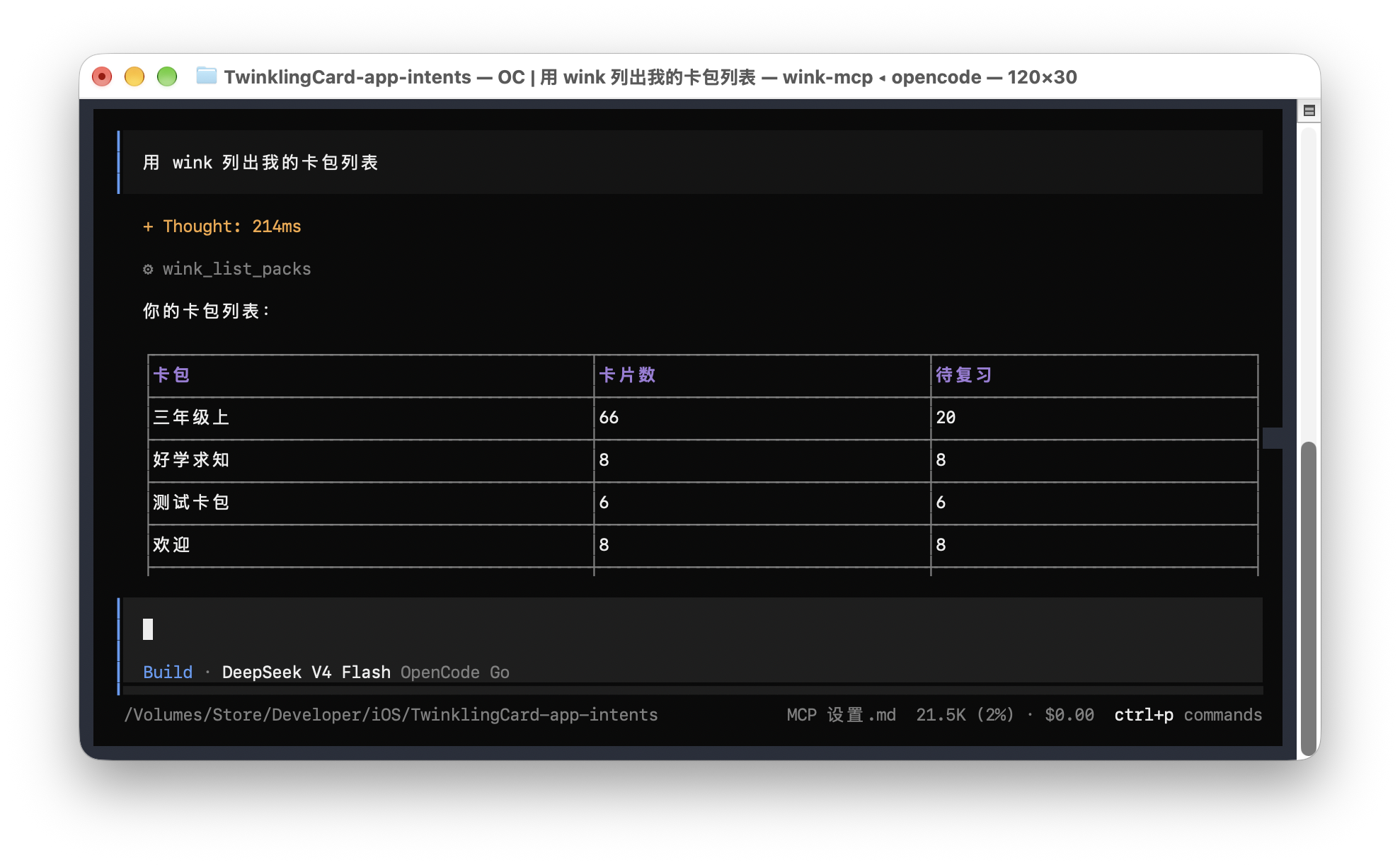
 WinkNotesHelp
Add WinkNotes MCP to OpenCode
Follow the steps below to connect WinkNotes to OpenCode.
Add manually
Open ~/.config/opencode/opencode.jsonc. Create the file if it does not exist.
Add the WinkNotes MCP settings. When you are done it should look like this:
{
  "$schema": "https://opencode.ai/config.json",
  "mcp": {
    "wink": {
      "type": "local",
      "command": ["/Applications/TwinklingCard.app/Contents/MacOS/wink-mcp"],
      "enabled": true
    }
    ...
  }
}
Add in chat
Paste the following into an OpenCode conversation:
Please add this MCP:
"wink": {
    "type": "local",
    "command": ["/Applications/TwinklingCard.app/Contents/MacOS/wink-mcp"],
    "enabled": true
}
⚠️ Note: whether you add it manually or in chat, quit OpenCode and reopen it before the setting takes effect.
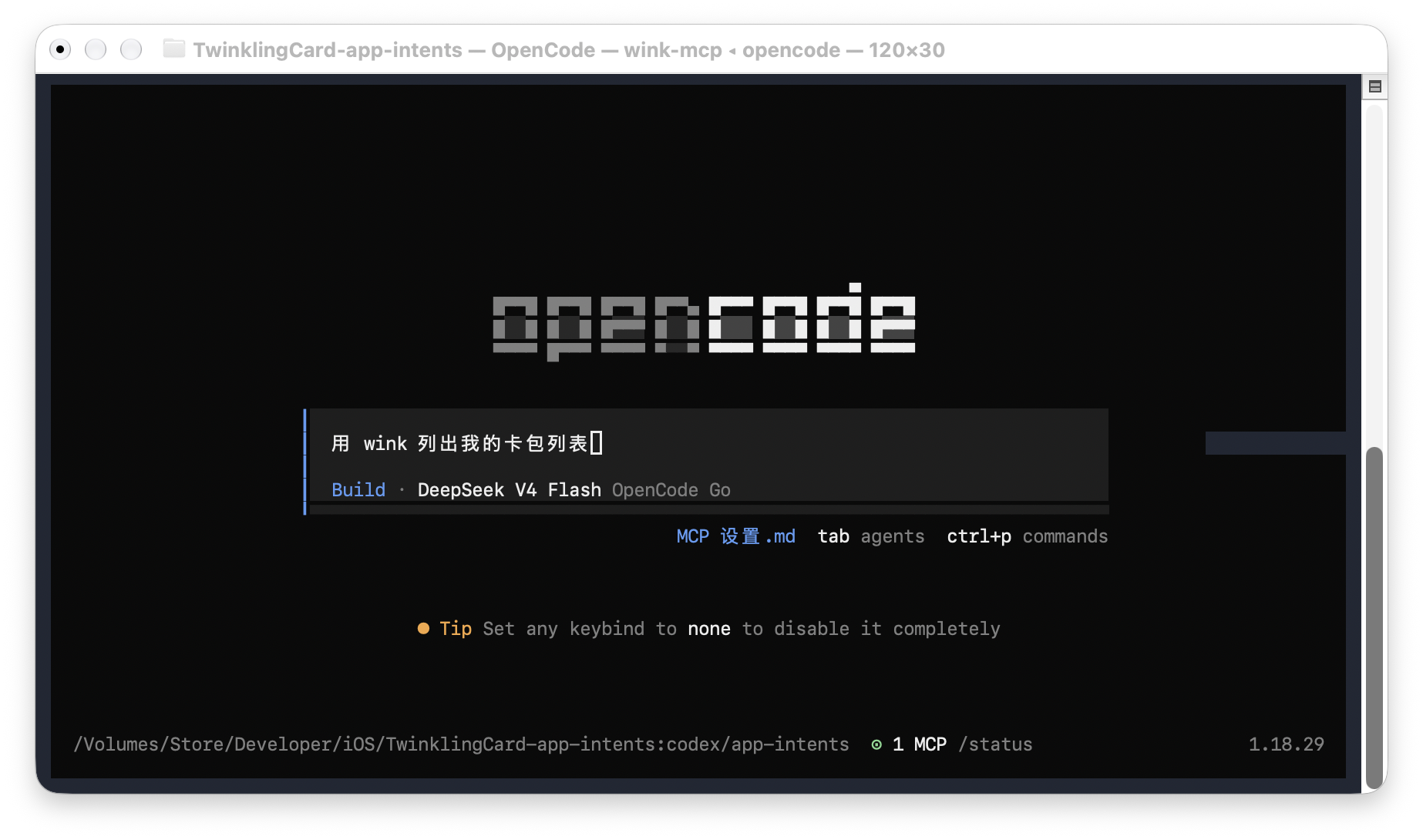
Start the first prompt with “using wink to …”. Once the session has picked up wink, you can leave it out.