 WinkNotesHelp
Add WinkNotes MCP to Doubao
Follow the steps below to connect WinkNotes to Doubao.
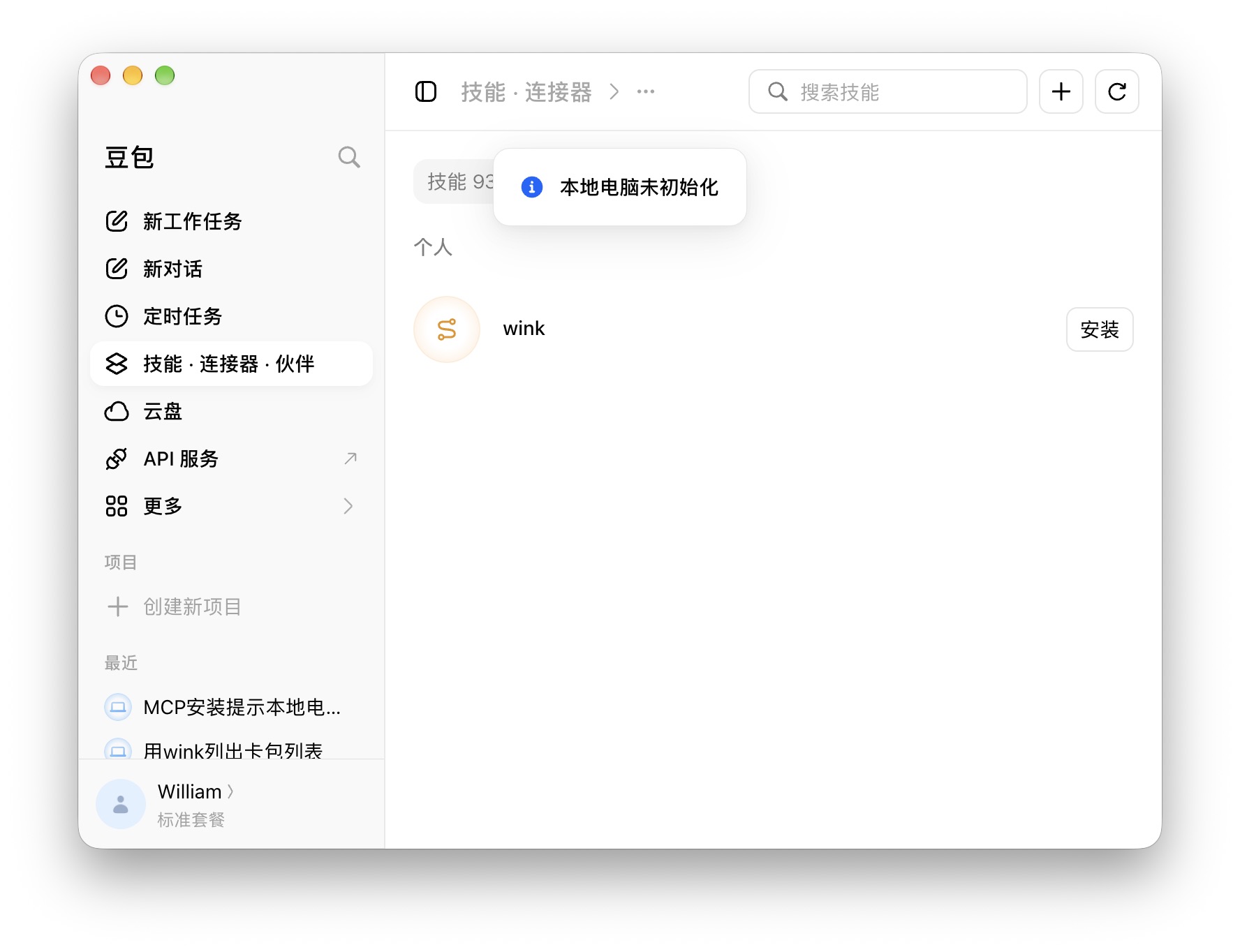
⚠️ Seeing “本地电脑未初始化” (Local computer not initialized)? Did you download Doubao from the App Store?
If so, uninstall the App Store version of Doubao, download the full Mac version from Doubao’s official website, then install it and add wink again.
Add manually
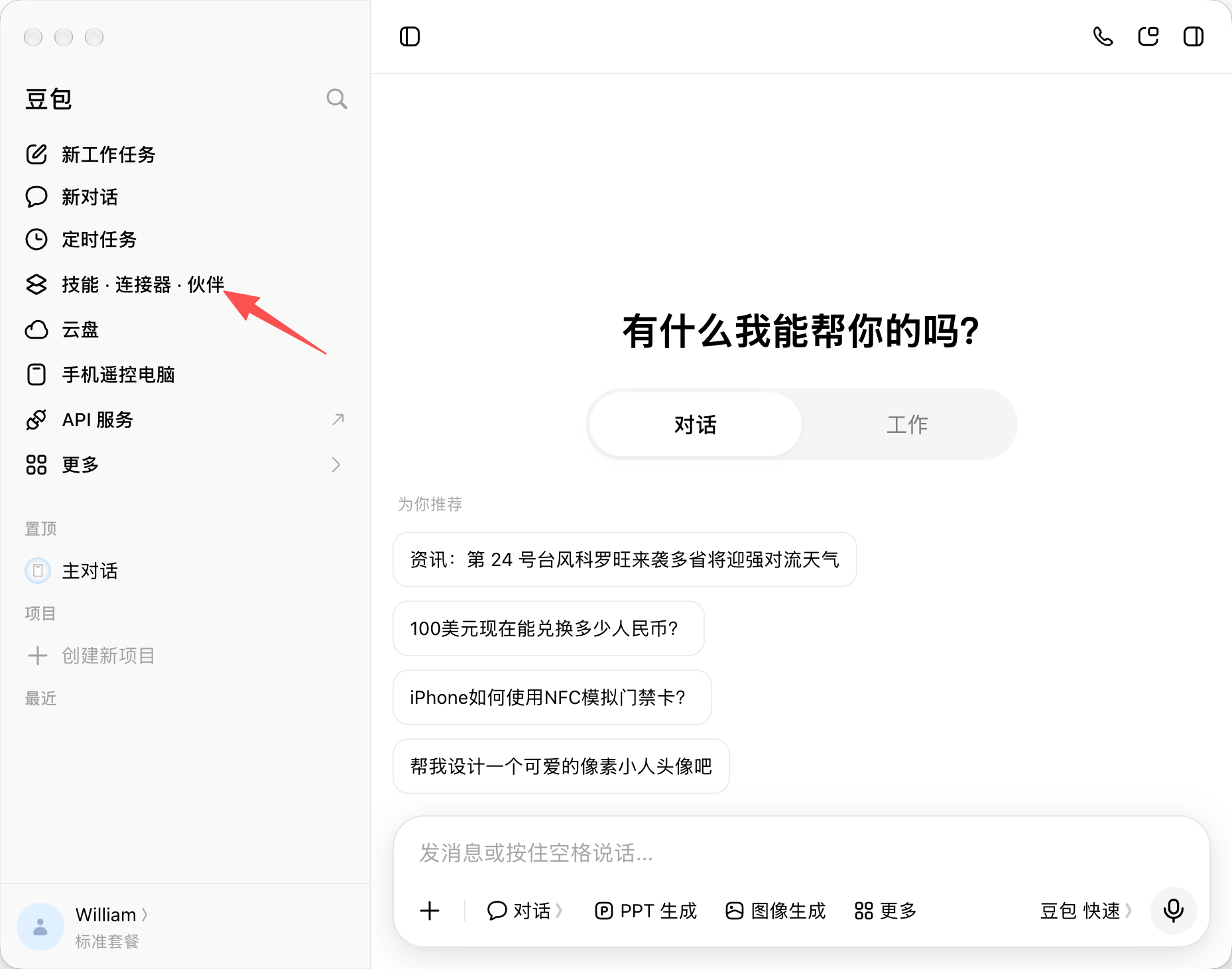
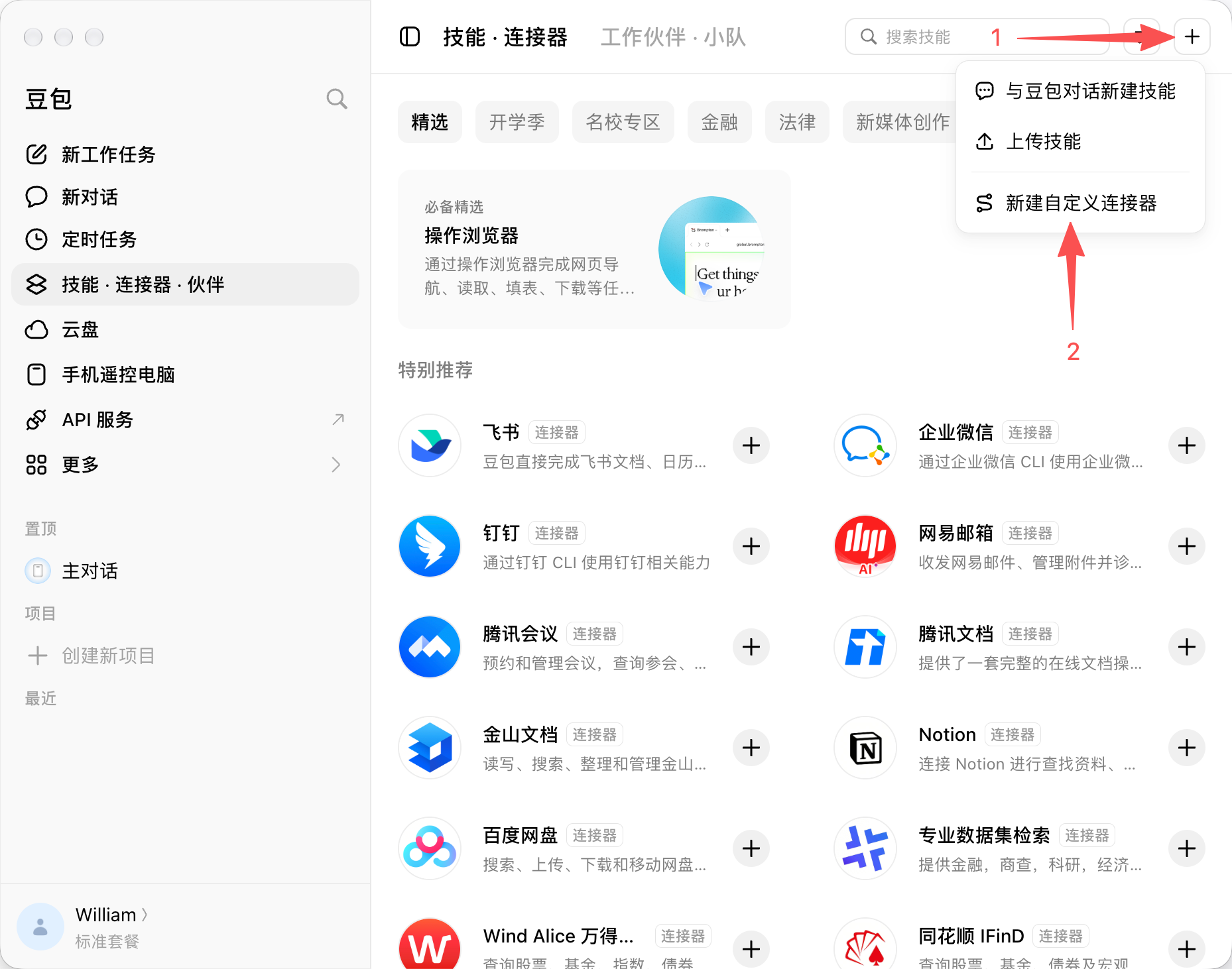
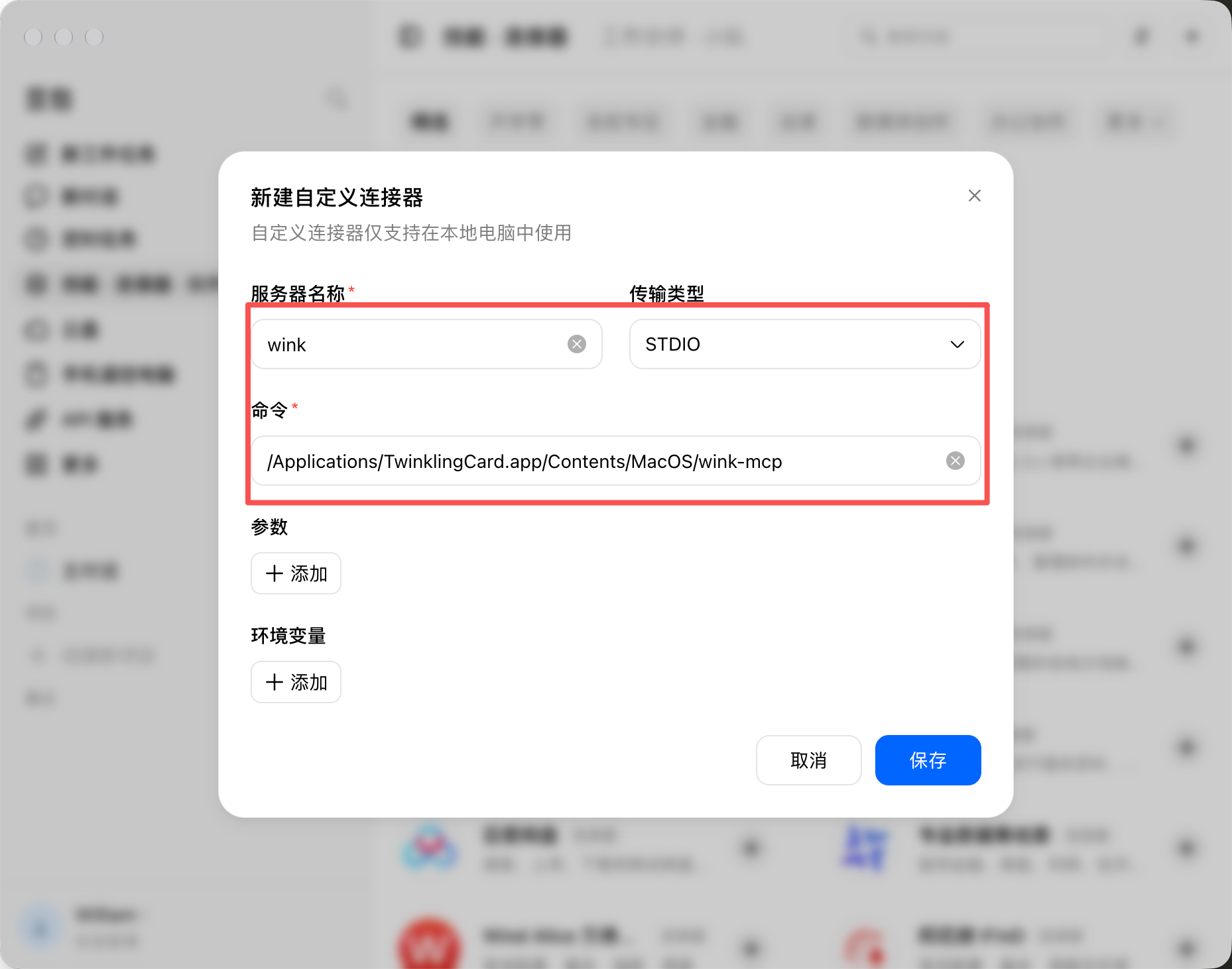
服务器名称:wink
传输类型:STDIO
命令:/Applications/TwinklingCard.app/Contents/MacOS/wink-mcp
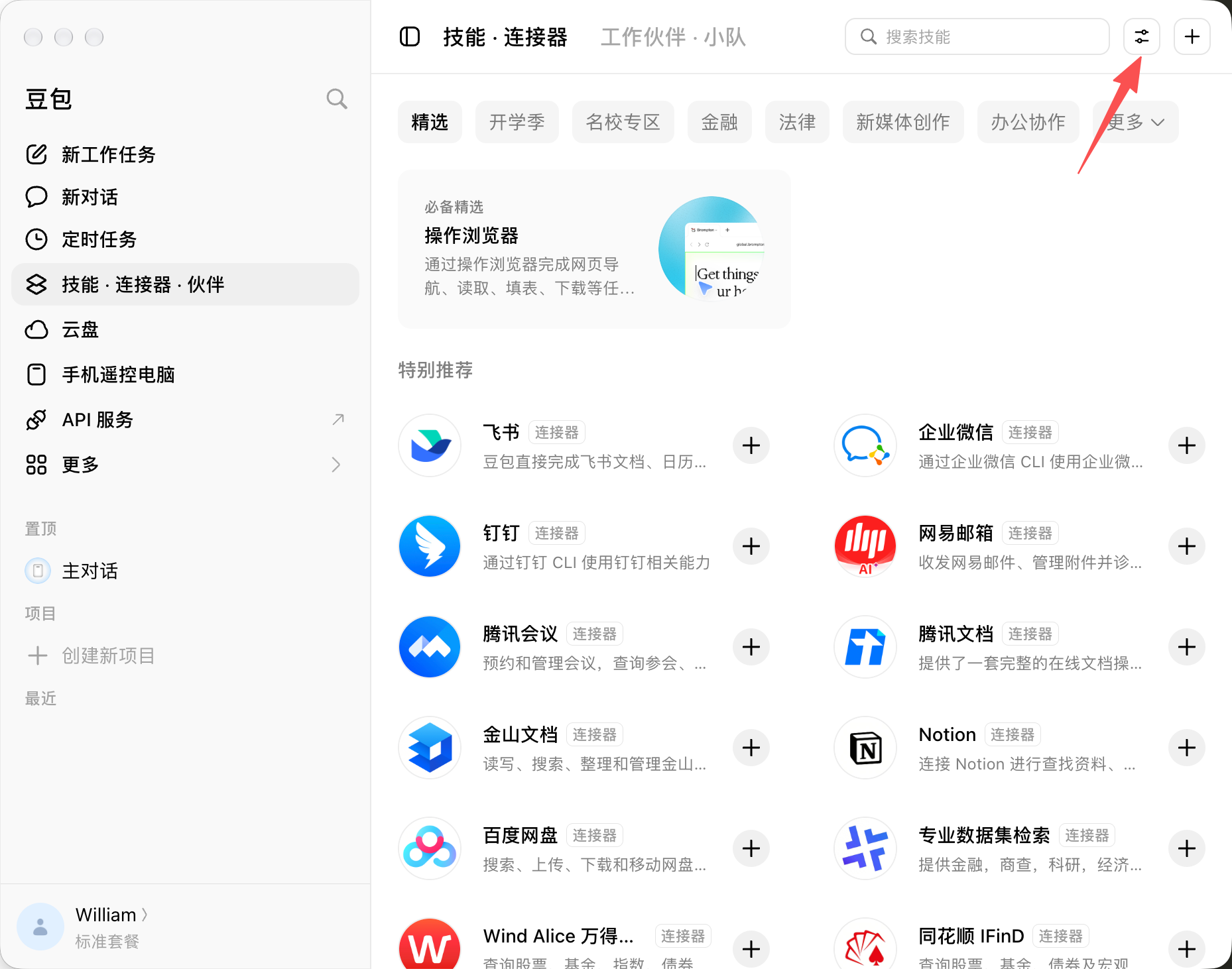
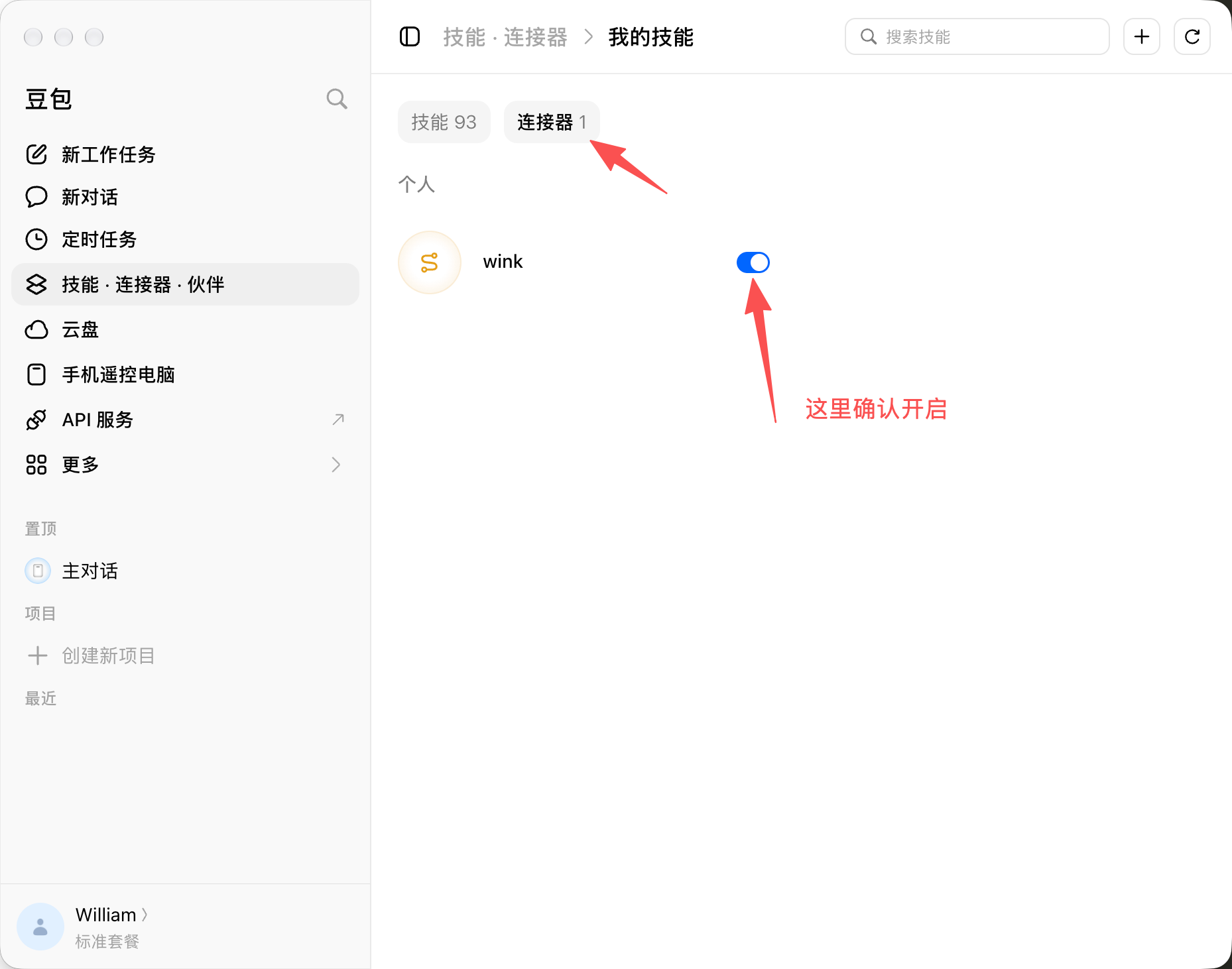
⚠️ Note: quit Doubao and reopen it, or the connector will not take effect.
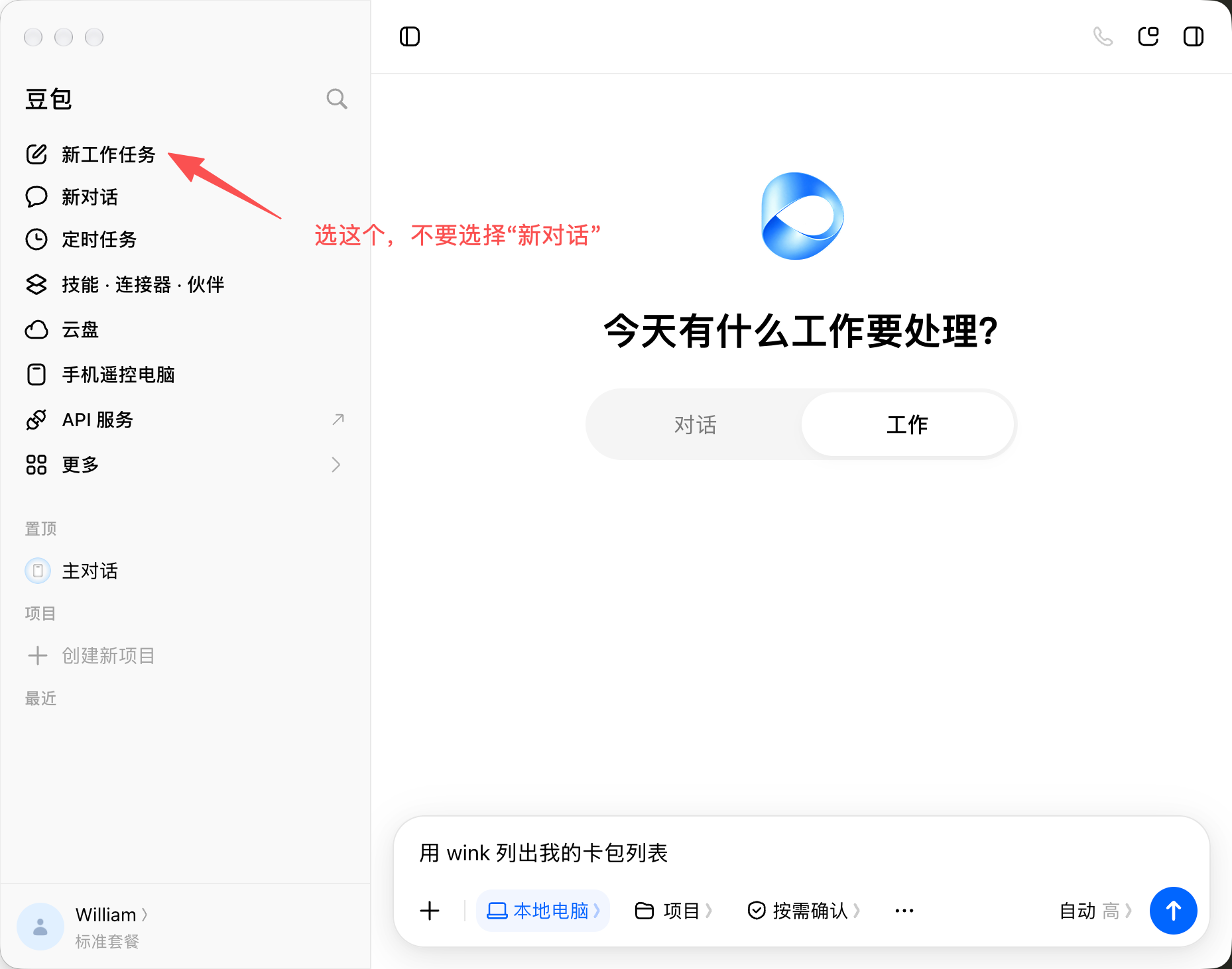
If it does not pick this up, try a different prompt:
“用 MCP wink 列出我的卡包列表”
“使用 wink 连接器列出我的卡包列表”
Start the first prompt with “using wink to …”. Once the session has picked up wink, you can leave it out.