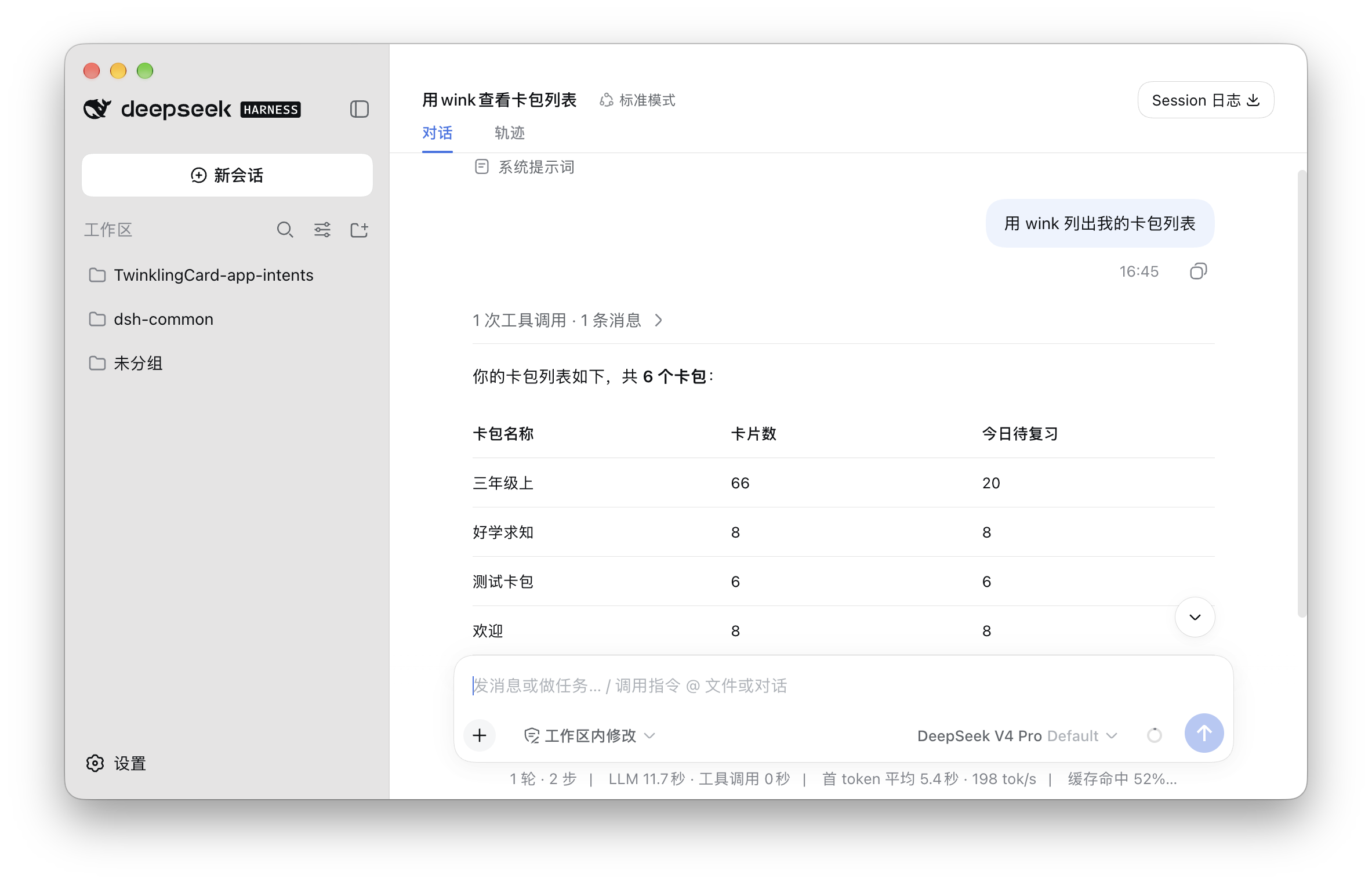
 闪卡使用文档
添加闪卡 MCP 到 DeepSeek Harness
按照图文步骤,将闪卡连接到 DeepSeek Harness。
手动添加
打开 ~/.dsh/profiles/desktop/cordis.patch.yml 如果没有这个文件,就在对应位置新建。
然后写入
- insert:
    - id: mcp-wink
      name: '@deepseek-ai/dsh-mcp-client'
      config:
        serverName: wink
        transport: stdio
        command: /Applications/TwinklingCard.app/Contents/MacOS/wink-mcp
保存文件,退出。
⚠️ 注意:退出 DeepSeek Harness 后重新打开。
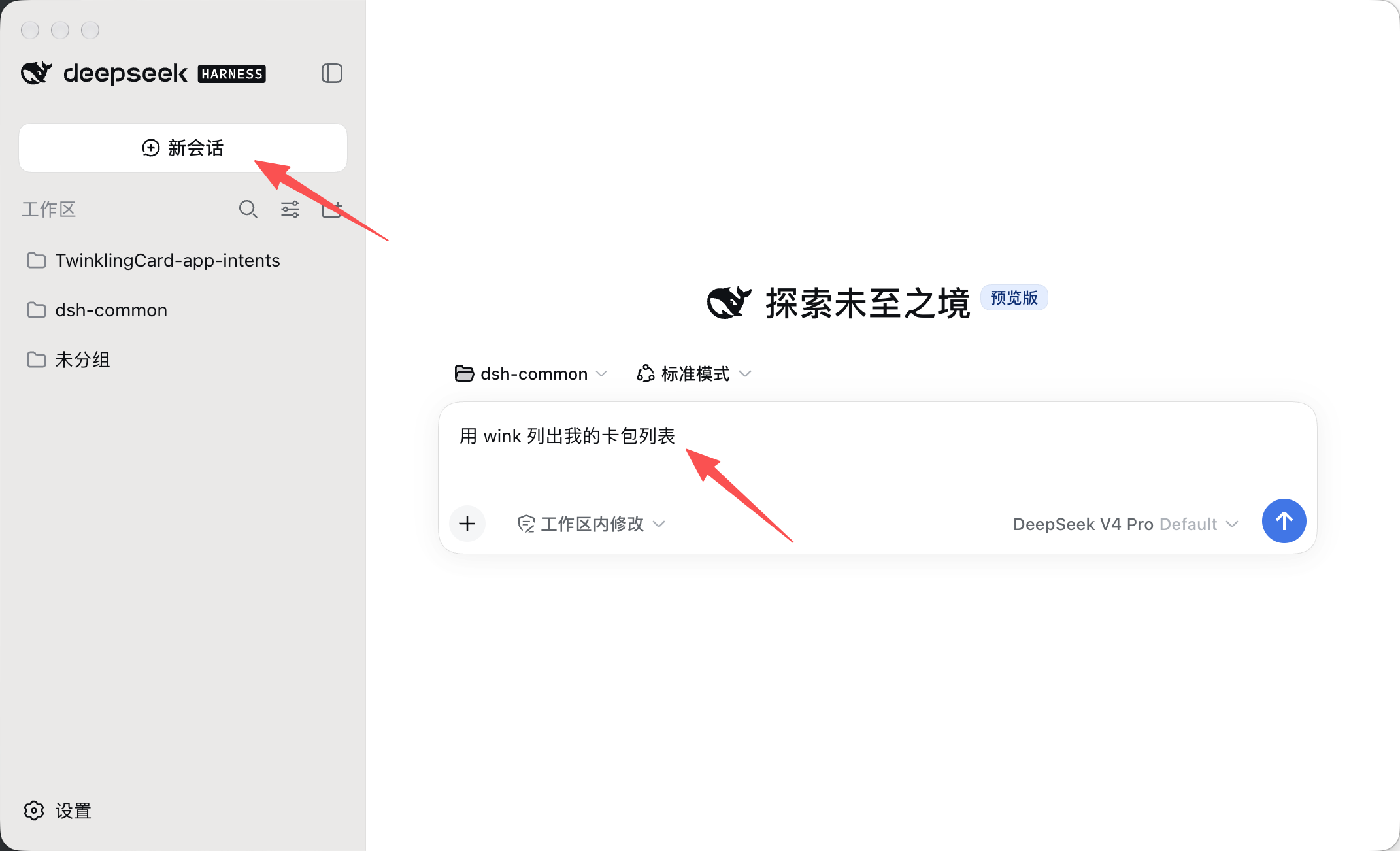
新的任务
第一条提示词请明确用 “用 wink 如何如何”,会话正确识别到 wink 后,继续对话就可以不用加了。